Invite-only beta — meet the Originals
Your PC,
in your pocket.
Your whole Windows desktop — every file, every tab, the work you left mid-sentence — opens right in your hand. See it, touch it, drive it. From the next room, or the next continent.
By invitation · a small first circle · your machine, sealed end-to-end
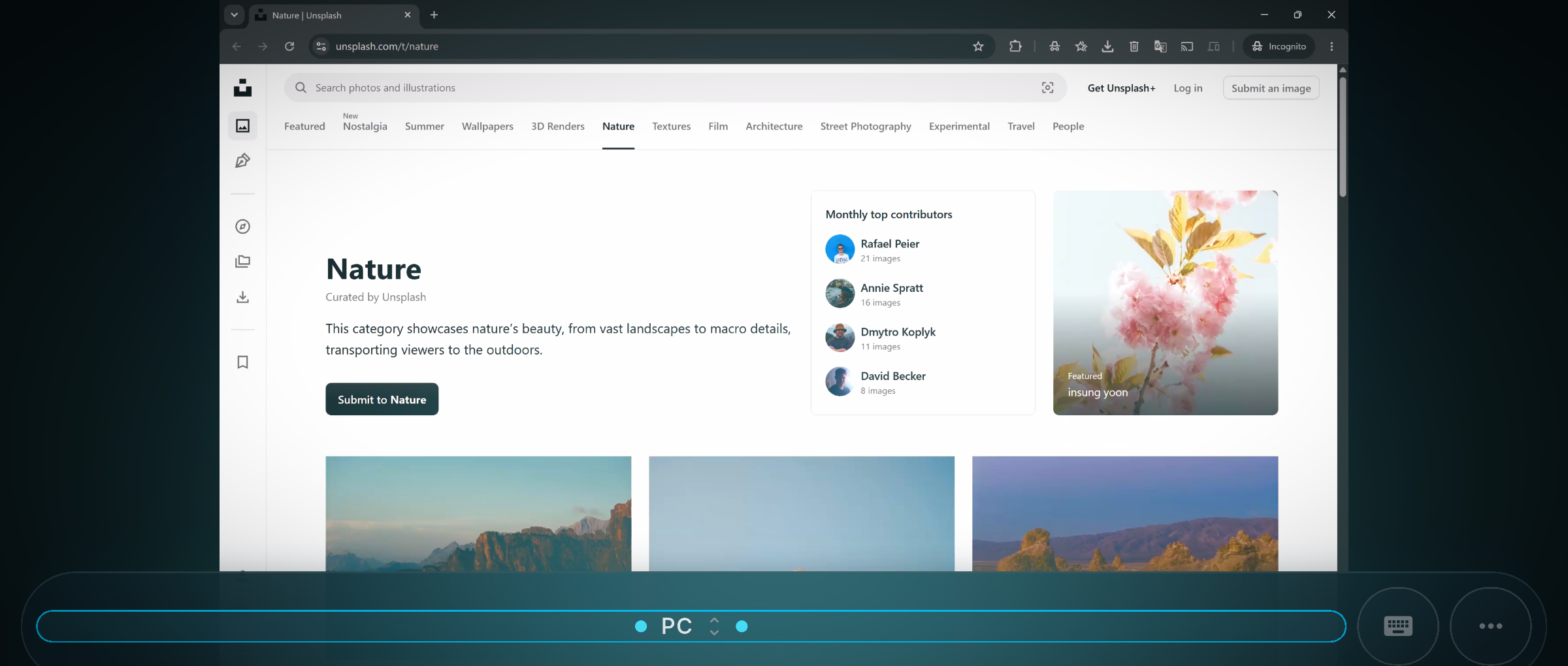
Why PC Tether
Everything important lives on your PC.
Then you walk out the door.
PC Tether keeps the line open — a live, private window into that exact machine, not a stripped-down copy of it. Wherever you happen to be standing.
Setup
Paired before you
finish reading this.
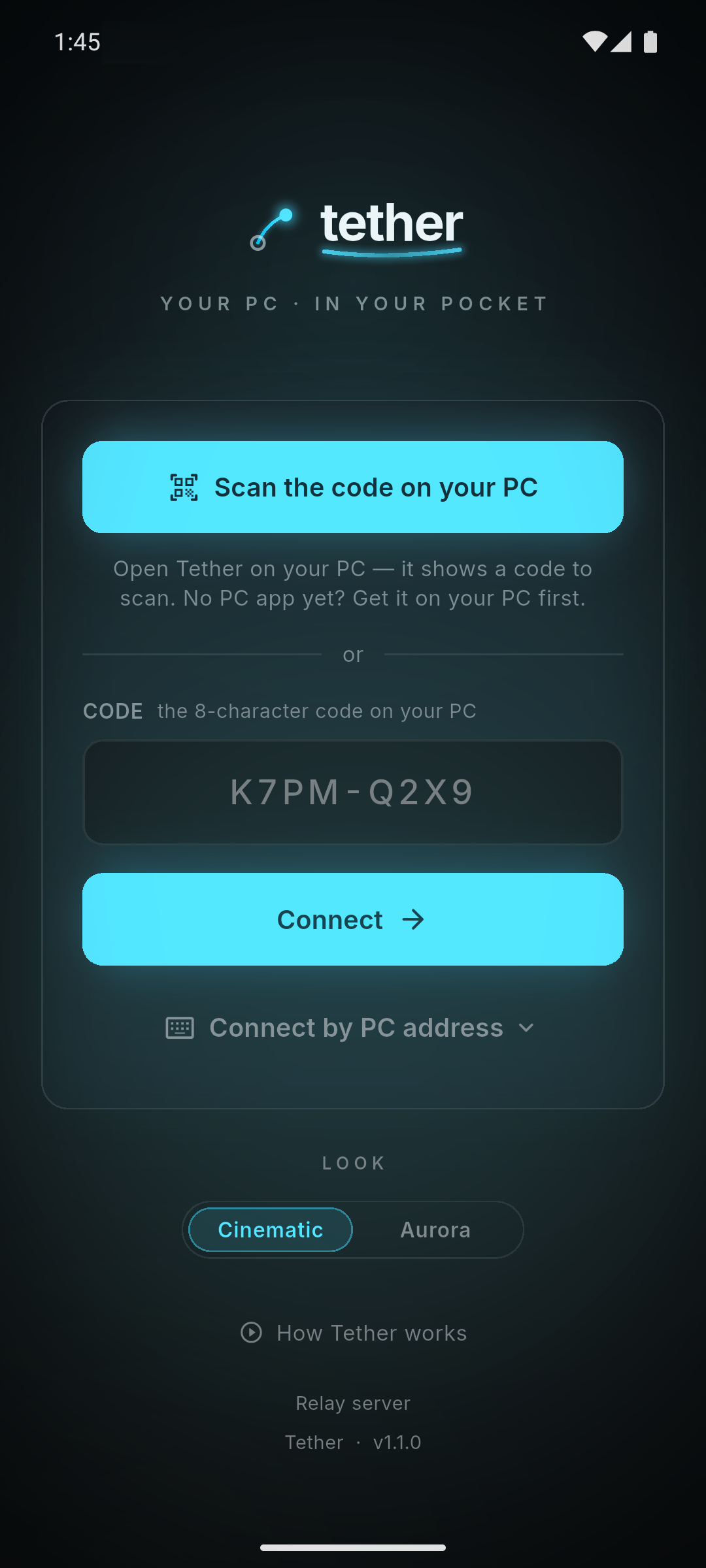
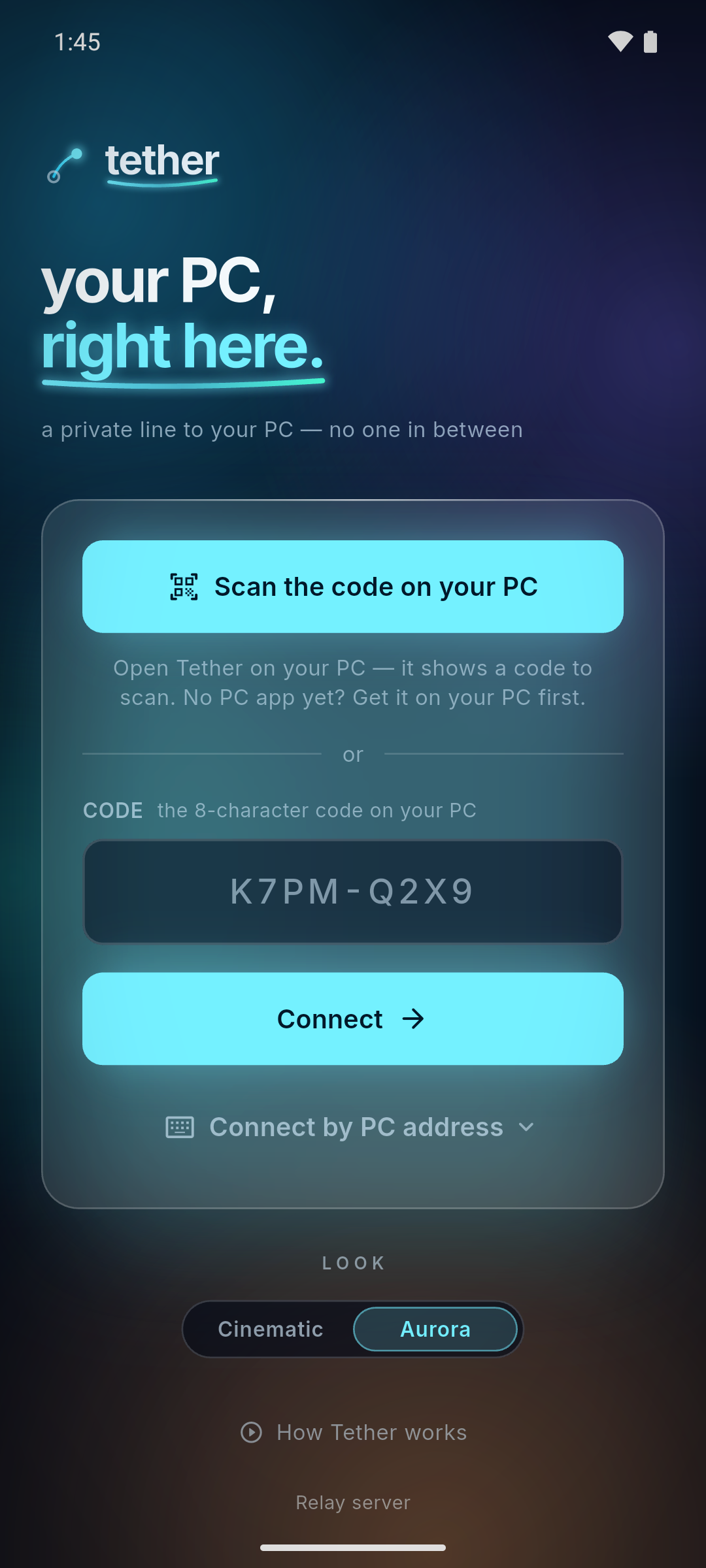
Open PC Tether on your PC. Scan the code, or type eight characters. That's the whole setup — no account to make, nothing to configure.
Direct, device to device, end-to-end encrypted.
Control
It feels like
touching the glass.
Your finger is the mouse. Tap where you want to click. Flick to scroll. Pinch to read the fine print. Nothing new to learn — the gestures you already know land straight on the real machine.
In session
One swipe brings
the whole toolkit.
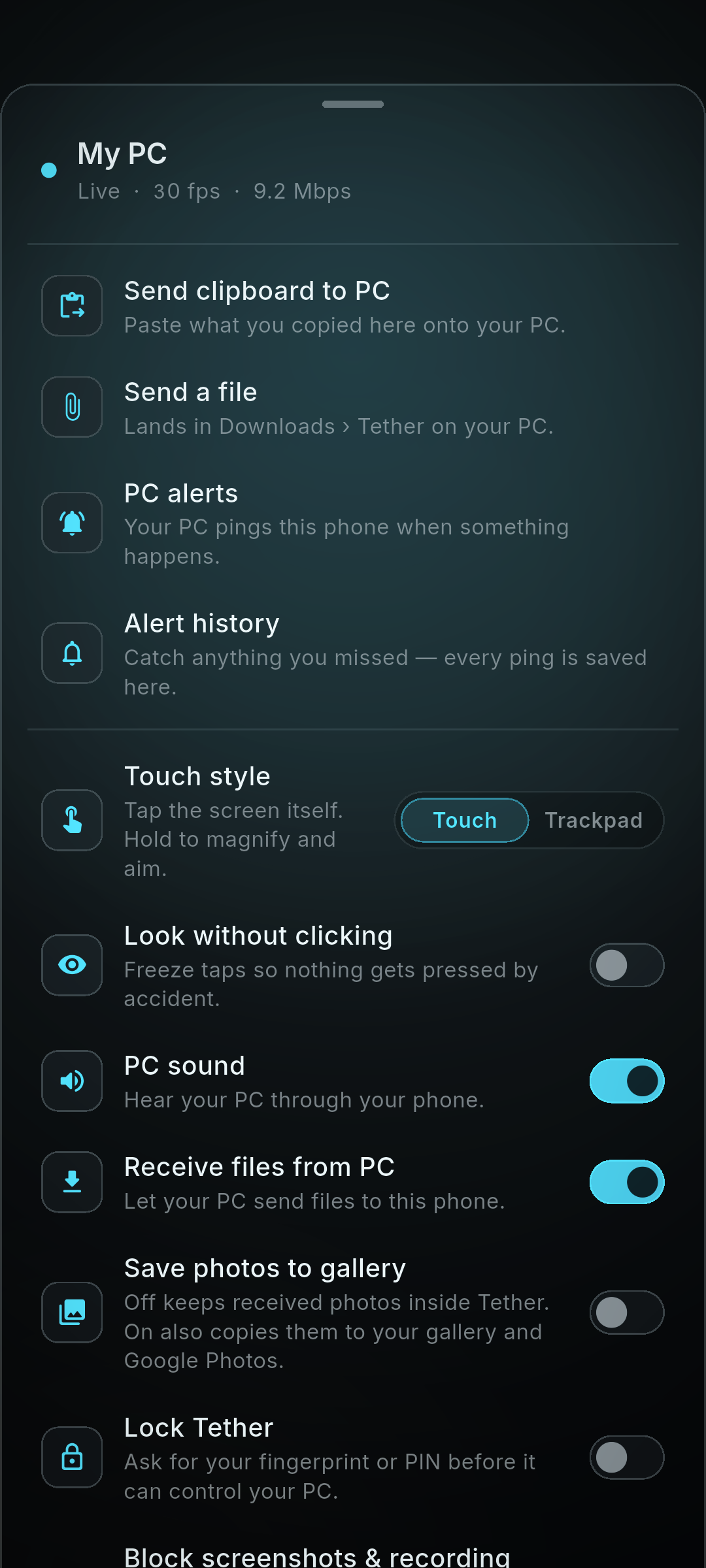
A control sheet sits one swipe away — the things that make a remote screen genuinely useful, not just visible.
- Clipboard, both waysCopy here, paste on your PC.
- Send & receive filesStraight across. No cloud.
- Hear your PCIts sound, on your phone.
- PC alerts, savedPinged — and kept in history.
- Lock itFingerprint or PIN to take control.
- Block screenshotsKeep the session off the record.
The signature move · try it yourself
Drag a file to the edge.
It flies to your phone.
No email-to-self. No cloud. No cable. Nudge a file toward the side of your screen — a shelf slides out to meet it. Let go, and it lands on your phone. Go on — drag the file below.
Drag me to the shelf ↘
or press Enter
We can't see your screen.
It never touches our servers. Your phone and your PC talk straight to each other, sealed end-to-end. No account. Nothing stored, nothing logged. That isn't a privacy policy — it's the architecture. And this site sets no cookies and runs no trackers — not even our own analytics can identify you.
Invite-only beta
Be one of
the Originals.
PC Tether is opening to a small, hand-picked group. Your invite code is a personal key — it unlocks the whole app, every feature, no account to make. Have one? Drop it in. If not, leave your email and we'll wave you in as spots open.
One email when a spot opens. Nothing else, ever.